Changelog

Follow new updates and improvements to Zencreator.

🎯 Ideogram 4.5: Change One Detail, Keep Everything Else
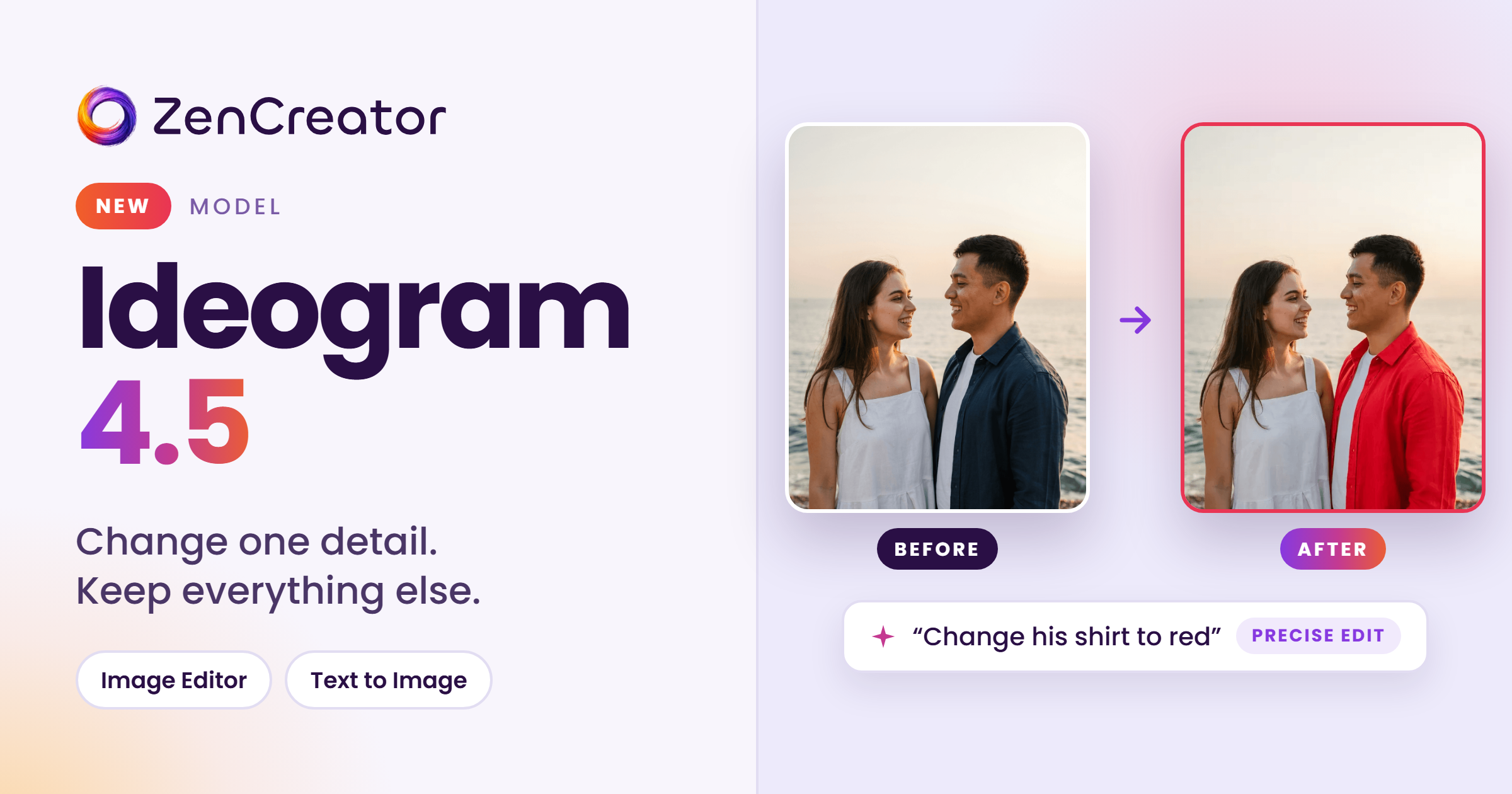
Love a photo but wish one thing were different? With Ideogram 4.5 in Image Editor, you can now change just that one thing. The jacket, the dress, the background, a small accessory. Everything else stays exactly where it was: the same faces, the same pose, the same light.

How it works:

  • Precise edit: turn it on, describe the change, and only that part of the photo is redrawn. No rerolling the whole shot and hoping the faces survive

  • Edit as many times as you like: change the outfit, then the location, then the hairstyle. Faces don't drift between rounds, so everyone in the photo still looks the same after the fifth edit

  • Show, don't just tell: add up to 4 reference images, like the dress you have in mind or the place you want to be, and the model uses them for the change

  • Your size, kept: the edited photo comes out at the same size as the one you started with

It writes, too. Put the words in quotes and Ideogram 4.5 adds clean, readable text: your names on a postcard, a title on a magazine cover, a sign on a café. Got a photo with garbled letters? Fix just the text and keep the rest. You can also create new images from scratch with it in Text to Image.

Simple pricing: 1, 2 or 6 credits for Low, Medium or High quality, whatever the size.

Pro tip: create the photo with the model you already like, then open it in Image Editor with Ideogram 4.5 for the finishing touches. Test your edit at Low for 1 credit, then render the keeper at High.

Ideogram 4.5 is an SFW model, so it won't generate explicit content.

👉 Try it: Image Editor · Text to Image
🪄 AI Prompt Assistant Now Writes Image Prompts Too

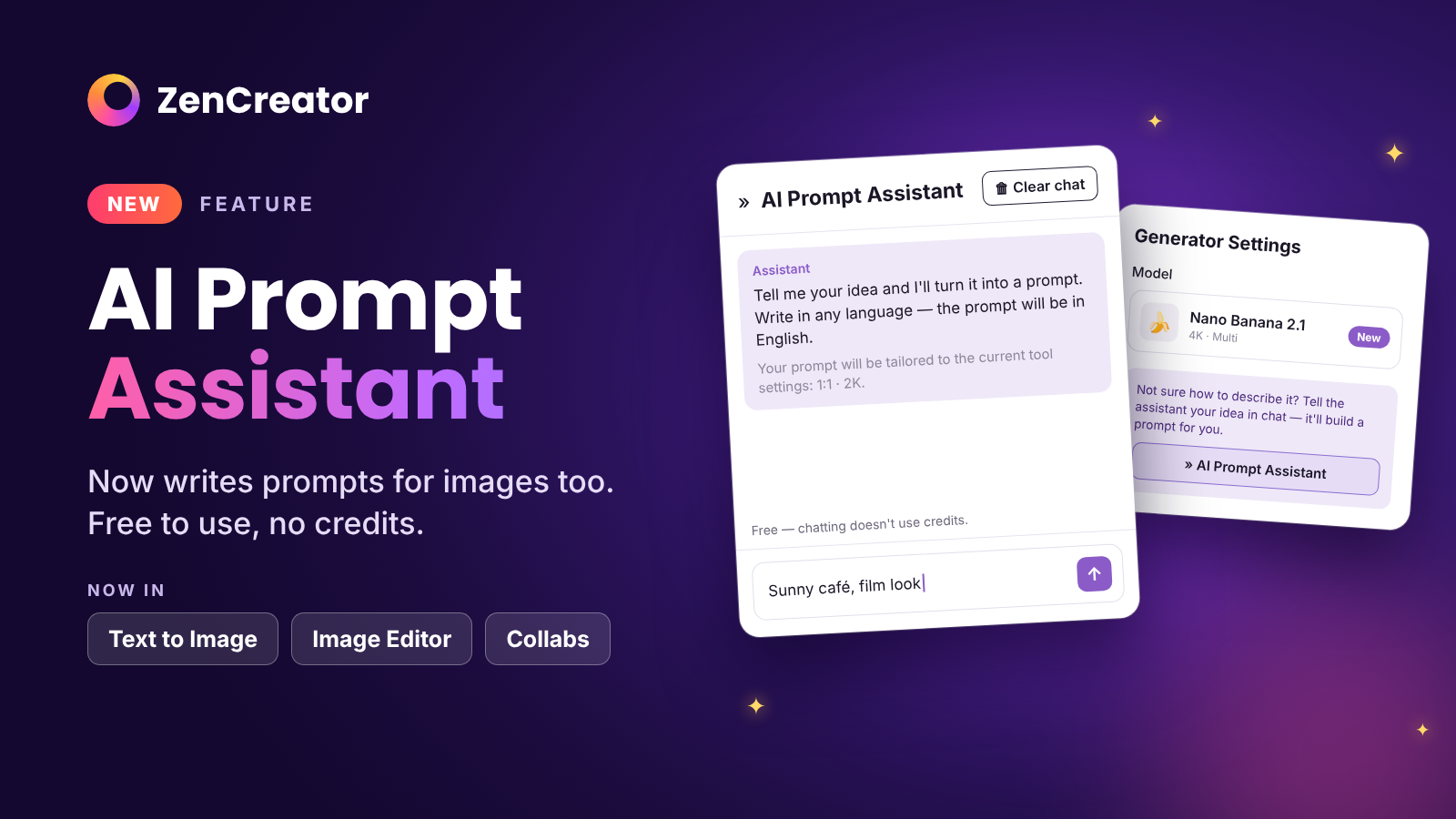
The assistant you know from video tools is now in Text to Image, Image Editor and Collabs. Describe what you want in your own words, in any language, and get a ready-to-use prompt written for the model you've picked.

Why you'll love it:

  • Written for your model: each model has its own prompt style, and the assistant writes in the one your selected model understands best. Switch models and it switches with you

  • Edits, not rewrites: in Image Editor it looks at your source image and writes a short edit instruction (what to remove, what to change) instead of describing the whole scene from scratch

  • Collabs made simple: tell it what should happen, and it builds the scene around the people and the location from your uploaded images

  • Knows your settings: your model and aspect ratio are already taken into account, no need to repeat them

  • One click to use: hit Insert into prompt, tweak if needed, and generate

Free to use: chatting with the assistant never costs credits. You only pay for the generation itself.

👉 Try it: Text to Image · Image Editor · Collabs

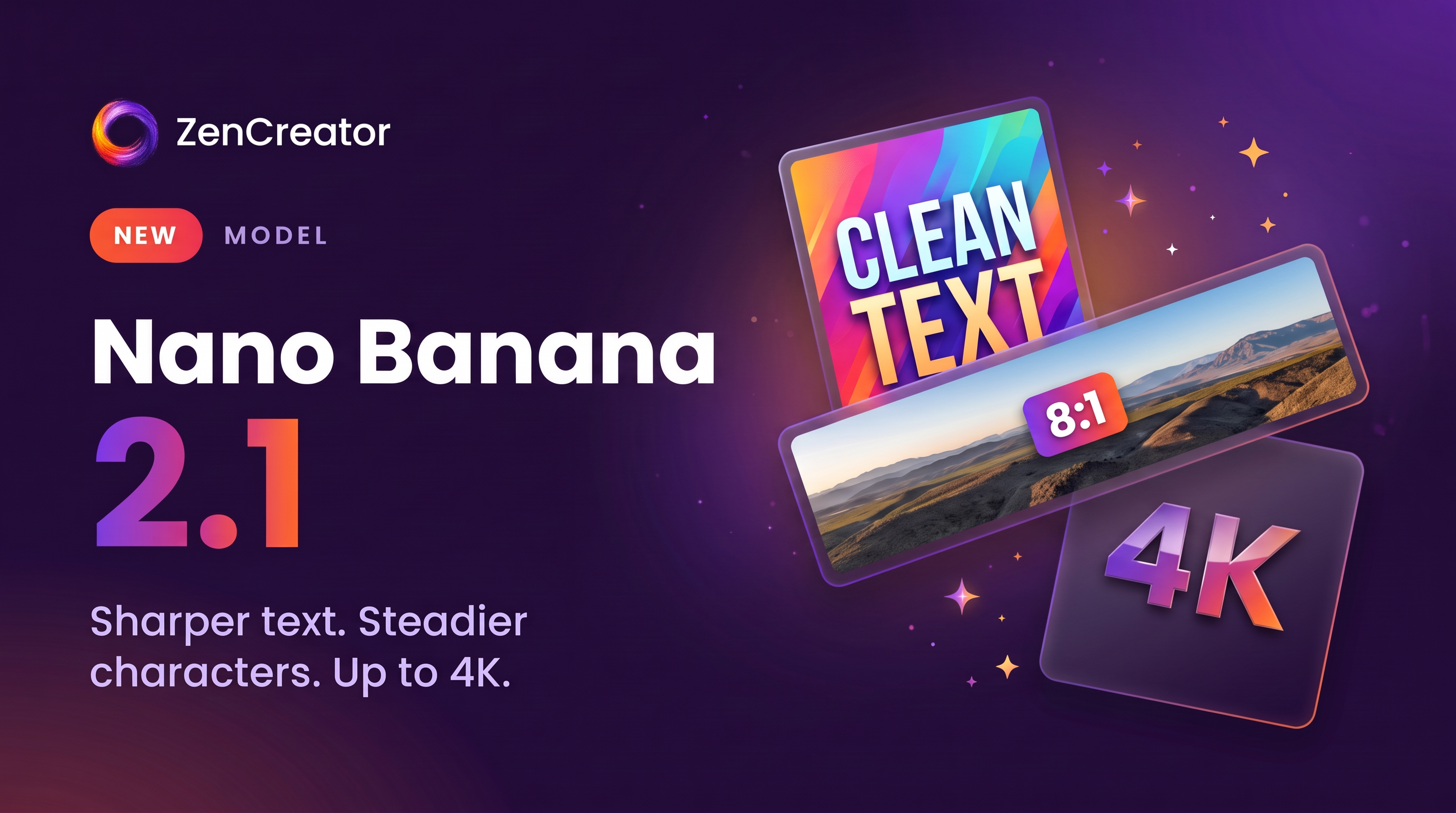
🍌 Nano Banana 2.1 Is Here: Sharper Text, Steadier Characters, Up to 4K

Google’s newest image model is now live in Text to Image and Image Editor. Nano Banana 2.1 follows your prompt closely, keeps characters looking like themselves, and writes clean, readable text right inside the image, in up to 4K.

Why you’ll love it:

  • Sharper prompt following: precise prompt following means the result matches your idea with fewer rerolls

  • Clean text in the image: posters, infographics, signs, and captions come out clean and legible

  • Consistent characters: faces and details hold up across generations and edits

  • Up to 14 references in Image Editor: your first image is the base, and up to 13 more help you build composites and precise edits

  • 4K and ultra-wide formats: the only model with 4K and the long 4:1, 1:4, 8:1 and 1:8 formats, made for banners and panoramas

  • Quality mode and Google Search: let the model think longer for a more accurate result, or have it check Google for current facts, places, and logos

Pro tip: dial in your idea at 1K first, then render the final version in 2K or 4K. Quality mode adds 1 credit, and Google Search is free.

Nano Banana 2.1 is an SFW model, so it won’t generate explicit content.

👉 Try it: Text to Image · Image Editor

Earlier updates